1. Important Notes & Safety
Safety & Origin:
We can call IPTV Smarter Pro a third-party app since it's not on the Play Store, but don't worry. This application is original, and its publisher (WHMCS SMARTERS) is legitimate, providing you with complete safety.
Content Notice:
This guide is for Android mobile and tablets only. The application does not contain content or channels; it only provides the platform. After installing, you must contact your IPTV service provider to get the necessary playlist/login details.
2. Enable Developer Option in Android Mobile (If Needed)
If you encounter issues installing third-party apps, you might need to enable Developer Options:
-
2.1
Go To Settings
Open the Settings app on your Android device. (Gear icon ⚙️)
-
2.2
About Phone
Scroll down and look for About Phone (placement varies).
-
2.3
Tap Build Number
Tap on "Build Number" repeatedly (usually 7 times) until the message "You are now a developer!" appears.
-
2.4
Enable Developer Option
Go back to the main Settings menu, find the new Developer Options, and toggle the switch at the top to enable it.
3. Download and Install the APK
-
3.1
Copy Link and Download File
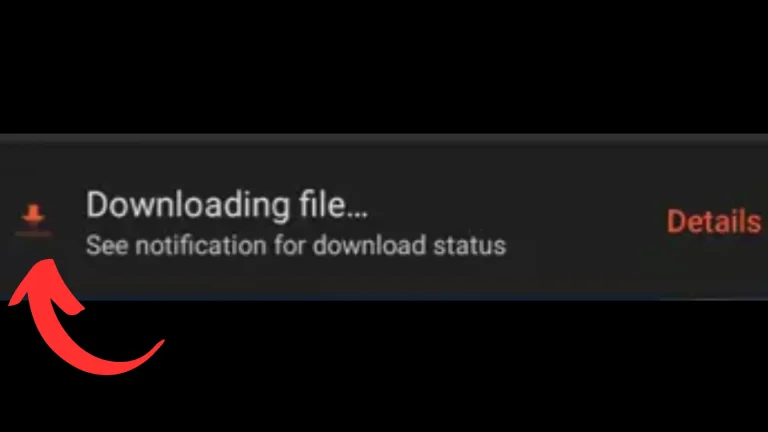
Copy the Smarter Pro link (or search for the file on Google). Use your mobile browser to paste the link and download the APK file (maximum 80 MB).
-
3.2
Open File and Agree to Terms
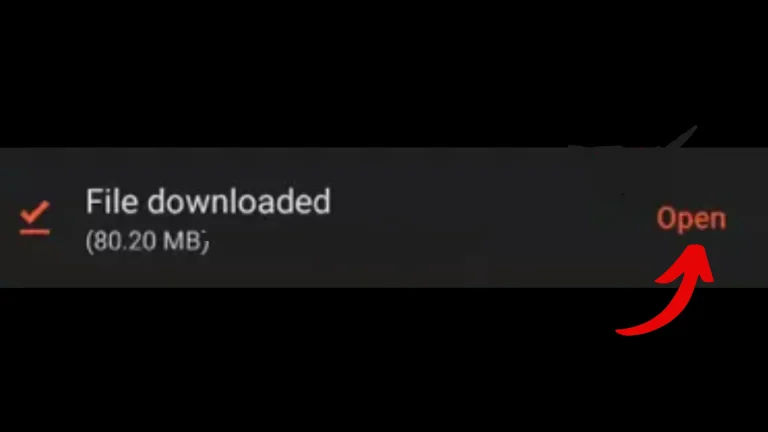
When the file is downloaded, open it. An interface will appear asking if you are ready to install the application. Scroll down and click on I Agree ("IM Agri" in the source).
-
3.3
Final Installation and Opening
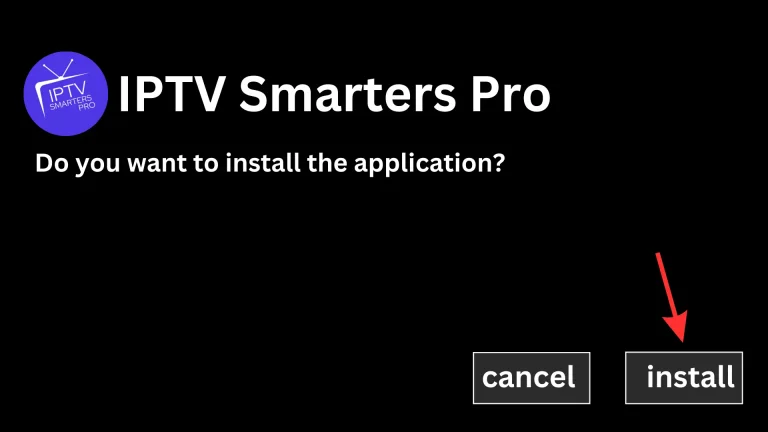
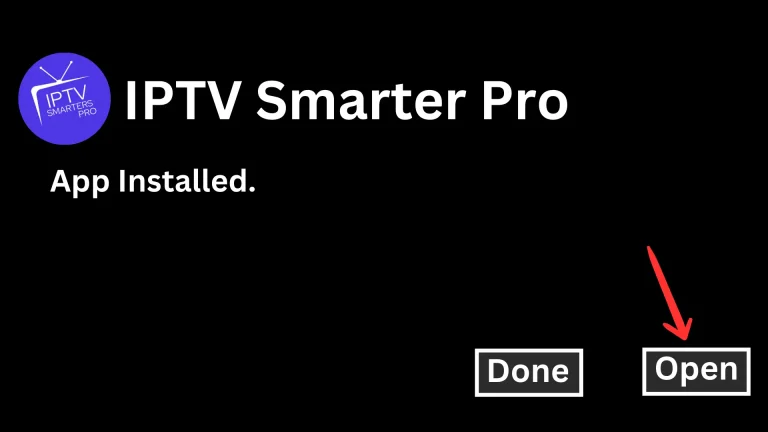
Click on Install when prompted. After the application is installed, click Open.
4. Configure and Log In
-
4.1
Choose Option and Accept License
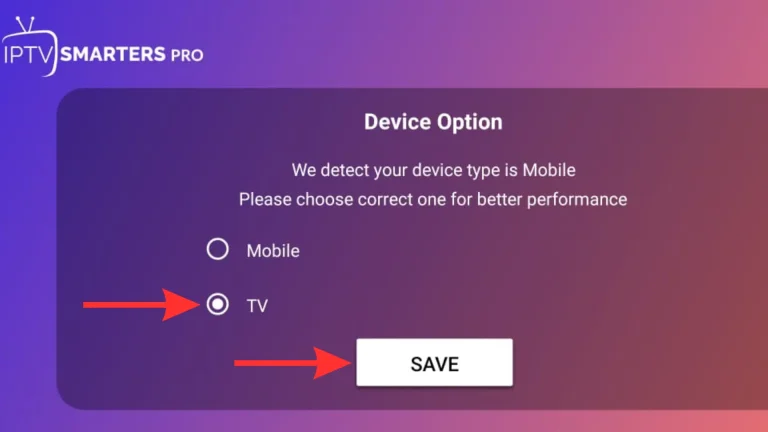
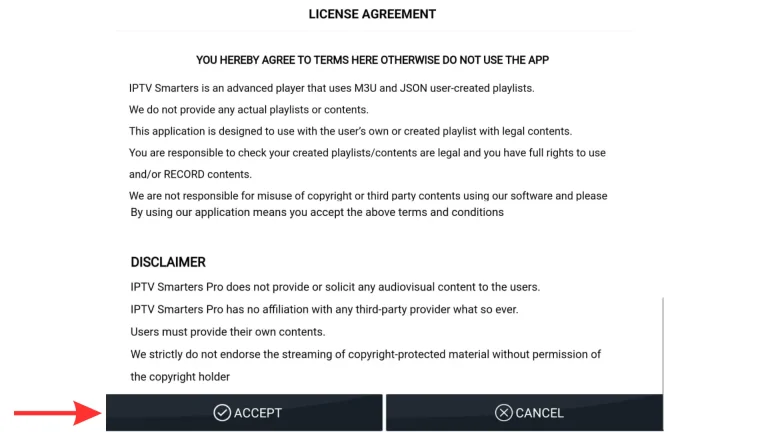
The application is now fully installed. Choose between the Mobile or TV option (choose the TV option and save). Then, the license agreement tab will appear, and you must click Accept.
-
4.2
Login with Xtream Code API
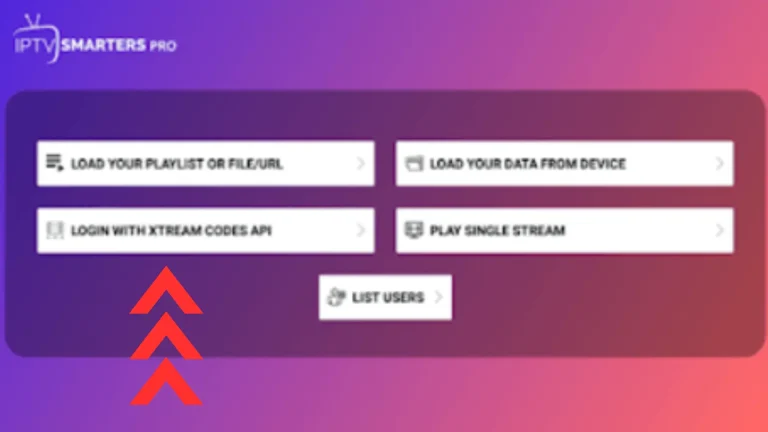
You will see four options; click the third option, which says Login with Xtream Code API. This will bring up the login detail interface.
-
4.3
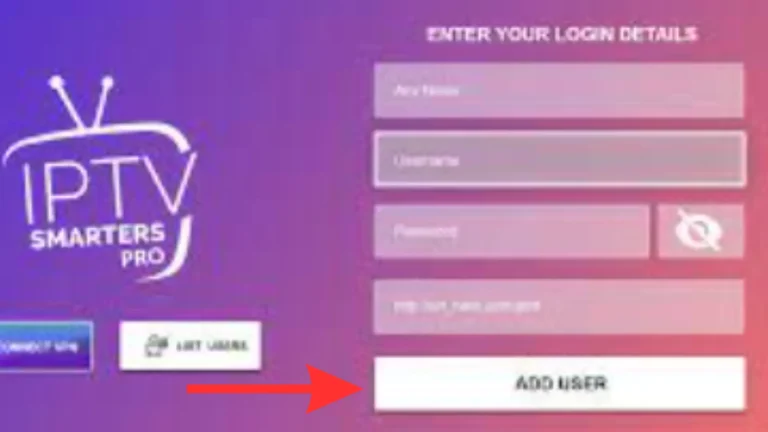
Enter Login Details and Save
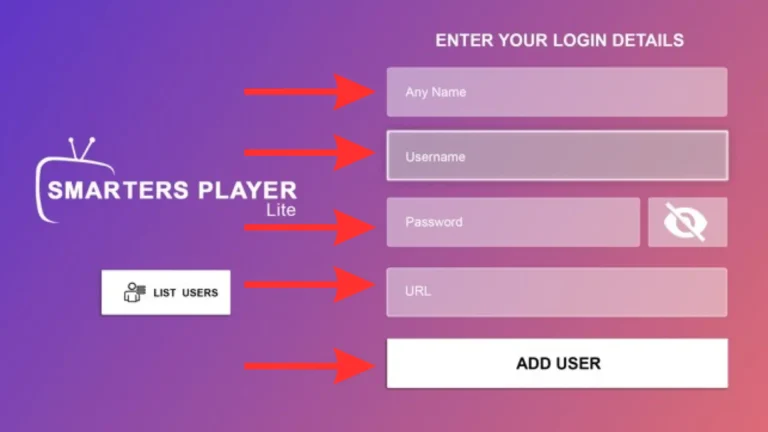
Enter the username, password, and URL (Mostly Extreme Codes) provided by your service provider. Click Add User and choose the option to save your login details.
-
4.4
Download Content and Start Watching!
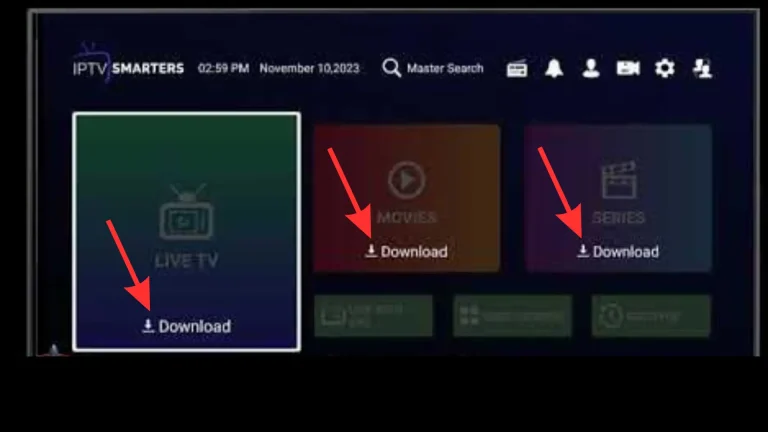
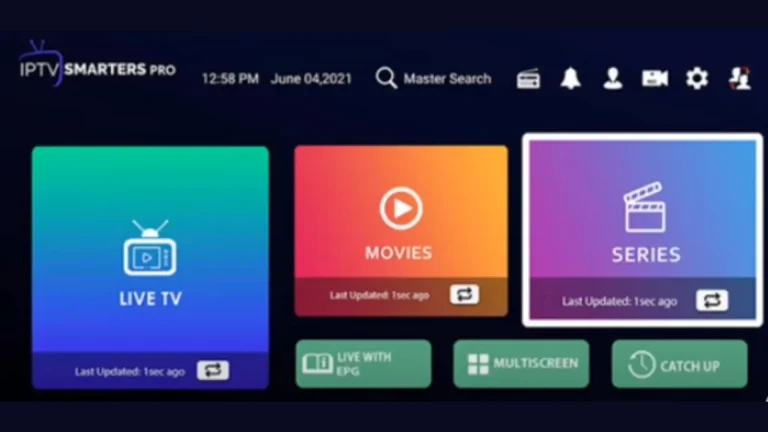
The app will display three options: Live TV, Movies (VOD), and Series. You must wait for the content to download/sync. After downloading, your application is ready. Click on any option to start watching!
Need Technical Assistance?
Setup Complete! Need Login Details?
If you require immediate assistance or the necessary Xtream Codes credentials, contact our support team now.
Get Live Support